
Computer Labs & Software
Computer Labs & Software
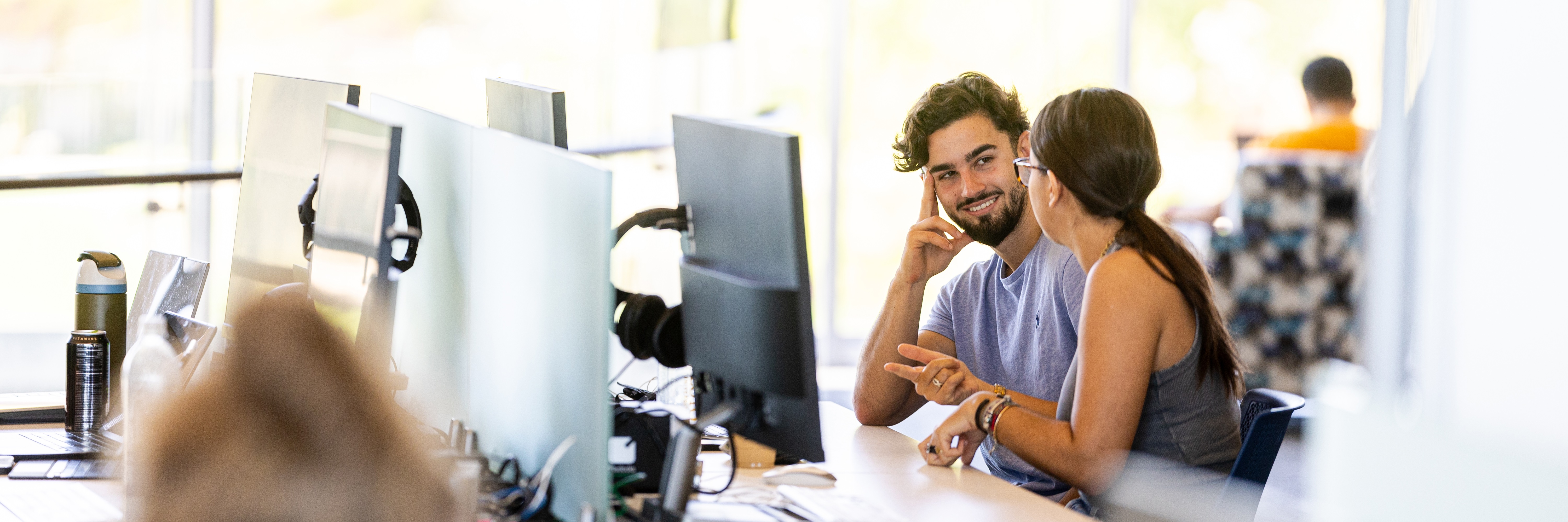
Digital Media Services oversees a majority of the on-campus computer lab and kiosk locations across our three main campuses. Use the resources below to find the perfect location to do your work, find group study spaces with lab workstations, lab classrooms for instruction and secure exams, or kiosk locations for drop-in work and printing.
Lake Shore Campus Labs
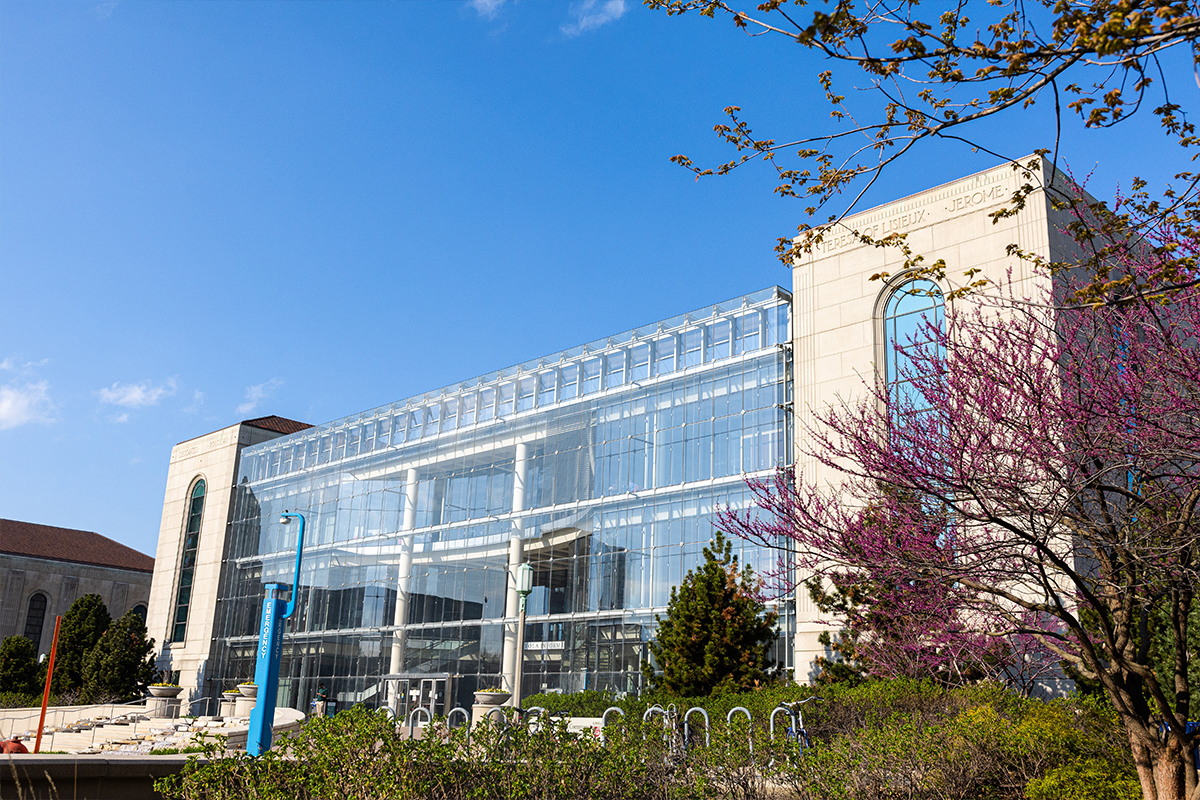
With our Information Commons as our primary location for our services, you will also find our open-access computers readily available for use and even group study without worry of class schedules overlapping. Our Lake Shore Campus offers the most variety of specialized, departmental computer labs used for instruction as well as several kiosk locations for ease.
Water Tower Campus Labs
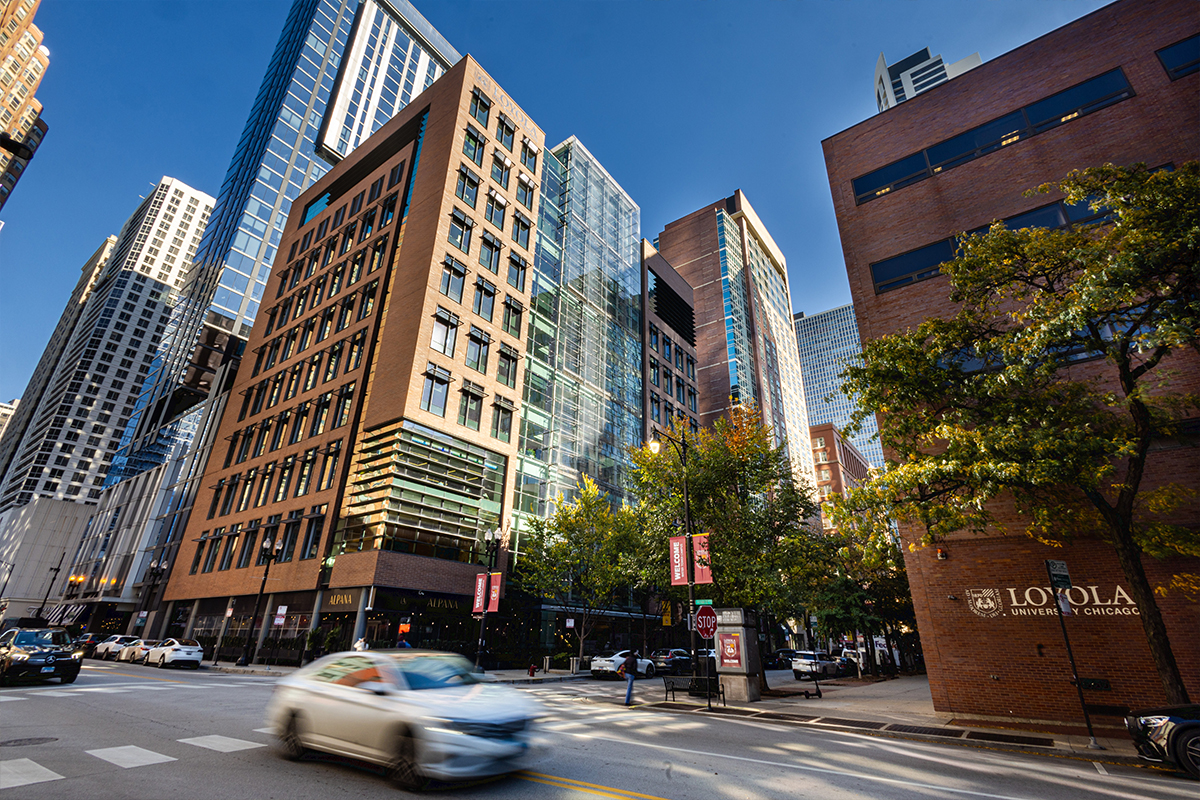
With Corboy Law Center as our primary services, you will also find open-access computers readily available across both library locations in addition to great locations for quiet study, group study and printing. Our Water Tower Campus offers departmental classroom labs and kiosk locations in nearly all buildings.
Health Science Campus Labs
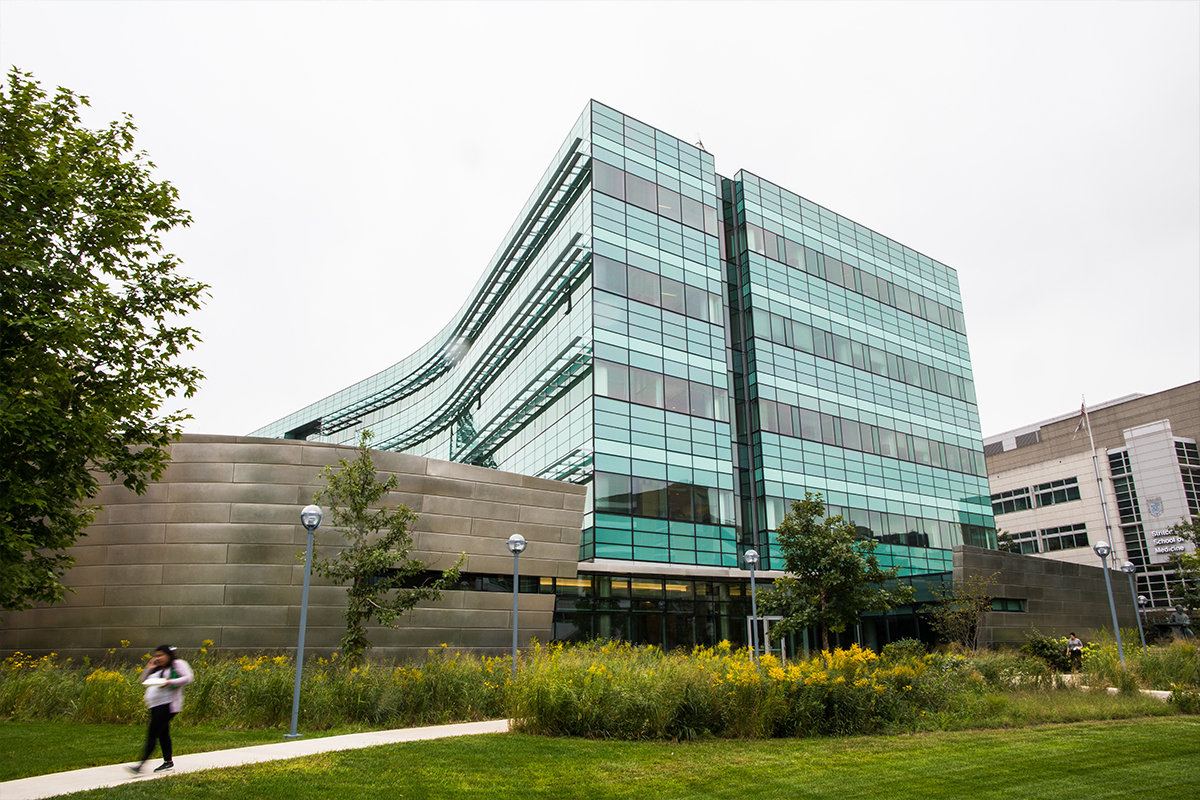
At the Health Science Campus, our computer lab spaces are dedicated toward coordinators overseeing secure exam delivery in classroom spaces, but otherwise when not scheduled are great locations for quiet, individual study. This campus also includes a stellar Information Commons space with much open space for laptop usage, individual and group study as well as a small selection of workstations and printing options available.
Virtual Computer Labs
Even if you aren't present at one of our main campus locations, you can use Apporto, a virtual desktop services, to access specialized instructional and classroom software right within your browser! This service allows you access a virtual lab computer and several of our software applications available in our computer labs wherever you may be.
Software Applications
All Applications Alphabetical
| Application | Version | PC/Mac | Locations |
|---|---|---|---|
| Ableton Live Suite | 11.1.6 12 |
Mac | v11: MUND 1017 v12: IC 2nd floor, CLC 608 |
| Adobe Acrobat DC | 25 | PC&Mac | All labs |
| Adobe After Effects | 25 | PC&Mac | All labs |
| Adobe Animate | 25 | PC&Mac | All labs |
| Adobe Audition | 25 | PC&Mac | All labs |
| Adobe Bridge | 25 | PC&Mac | All labs |
| Adobe Character Animator | 25 | PC&Mac | All labs |
| Adobe Creative Cloud | 6.7.0.278 | PC&Mac | All labs |
| Adobe Dreamweaver | 25 | PC&Mac | All labs |
| Adobe Illustrator | 25 | PC&Mac | All labs |
| Adobe InCopy | 25 | PC&Mac | All labs |
| Adobe InDesign | 25 | PC&Mac | All labs |
| Adobe Lightroom | 25 | Mac | All labs |
| Adobe Media Encoder | 25 | PC&Mac | All labs |
| Adobe Photoshop | 25 | PC&Mac | All labs |
| Adobe Prelude | 25 | Mac | All labs |
| Adobe Premiere Pro | 25 | PC&Mac | All labs |
| Adobe Premiere Rush | 2.10.0 | PC&Mac | All labs |
| Adobe Substance 3D Designer | 12.1.0 | Mac | All labs |
| Adobe Substance 3D Painter | 7.4.3 | Mac | All labs |
| Adobe Substance 3D Sampler | 3.2.1 | Mac | All labs |
| Adobe Substance 3D Stager | 1.2.0 | Mac | All labs |
| App Store | 3 | Mac | All labs |
| Apple iTunes | 12.9.5 | Mac | All labs |
| Apple Safari | 12.1.1 | Mac | All labs |
| ArcGIS | 0.7.1 | PC | (Apporto) GPU Desktop CC103, CC105 |
| Atom | 1.60.0 | Mac | All labs |
| Audacity | PC 3.7.3, Mac 2.3.1.0 | PC&Mac | All labs |
| Blender | 4.4 | PC&Mac | All labs |
| BlueJ | PC 5.4.2, Mac 4.2.0 | PC | All labs |
| Camtasia | 2019.0.0 | PC&Mac | IC 2nd floor (Macs), CLC 6 (PCs) |
| ChemSketch/ACD | 14 | PC | All labs |
| DaVinci Resolve | 19.1.4.11 | PC | All labs |
| Dragon Naturally Speaking (Speech Recognition Software) |
PC | IC room 229 Corboy room 910 |
|
| Electron | 2.6.24.0 | PC | All labs |
| Firefox | 140.0 | PC | All labs |
| FontBook | 9 | Mac | All labs |
| GarageBand (Apple iLife) | Mac | All labs | |
| git-bash, -cmd, -gui | 2.49.0 | PC | All labs |
| Google Chrome | PC 138.0, Mac 71.0 | PC&Mac | All labs |
| HLM | PC | All labs | |
| IBM SPSS Statistics | 31.0.0.0.0 | PC | All labs |
| iMovie | Mac | All labs | |
| IntelliJ IDEA CE | 243 | PC&Mac | All labs |
| Java SE Development Kit | 17.0.6 | PC | All labs |
| JAWS (Screen Reading Software) |
Learn more | PC | IC room 229 Corboy room 910 |
| jEdit | 5.6.0 | Mac | All labs |
| Keynote (available via Mac Software Center) | Mac | All labs | |
| Lab in Cognition | PC | All labs | |
| Lisrel | PC | All labs | |
| MAGic (Screen Magnification Software) |
PC | IC room 229 Corboy room 910 |
|
| Microsoft 365 Apps | 16.0.16510.20196 | PC&Mac | All labs |
| Microsoft Access | PC | All labs | |
| Microsoft Edge | 114.0 | PC | All labs |
| Microsoft Excel | PC&Mac | All labs | |
| Microsoft OneDrive | 23.107.0521.0001 | PC | All labs |
| Microsoft PowerPoint | PC&Mac | All labs | |
| Microsoft SQL Server | 15.0.2000.5 | PC | All labs |
| Microsoft Teams | 1.5.00.8070 | PC | All labs |
| Microsoft Visual C++ | 2023 | PC | All labs |
| Microsoft Visual Studio Code | 1.102.0 | PC | All labs |
| Microsoft Word | PC&Mac | All labs | |
| Mozilla Firefox | 115.10.0 | PC&Mac | All labs |
| Notepad++ | 8.4.9 | PC | All labs |
| Numbers (Apple iLife) | Mac | All labs | |
| NVDA (Screen Reader) |
PC | IC room 229 Corboy room 910 |
|
| NVivo 14 | 14.23.0.30 | PC&Mac | All labs |
| Pages (Apple iLife) | Mac | All labs | |
| Panopto | PC&Mac | All labs | |
| Photo Booth (Apple iLife) | 10 | Mac | All labs |
| Photos | 2019.19071.12548.0 | PC | All labs |
| Processing IDE | 3.5.3 | Mac | All labs |
| PuTTY | 0.78.0.0 | PC | All labs |
| Python | 3.10 | PC&Mac | All labs |
| QuickTime Player | Mac 10.5 | PC&Mac | All labs |
| R for Windows | 4.2.3 | PC&Mac | All labs |
| Respondus LockDown Browser | 2.1.3.0.4 | PC&Mac | All labs |
| RStudio | PC 2023.03.0, Mac 1.2 | PC&Mac | All labs |
| SAS | 9.4 | PC | All labs |
| Solidworks | 2025.1.2.0004 | PC | IC3, CC103, CC105, Flex Lab |
| Stata18 | 18.00 | PC | All labs |
| SYSTAT | 13.2 | PC | All labs |
| Tophat Presentation Tool | PC&Mac | All labs | |
| VLC Media Player | 3.0.18 | PC&Mac | All labs |
| Wolfram Mathematica | PC | All labs | |
| Zoom | 5.14.16213 | PC | All labs |
| ZoomText | PC | IC room 229 Corboy room 910 |
Office Productivity
| Application | Version | Locations | PC / Mac | Vendor Support |
|---|---|---|---|---|
| Apple Keynote | All labs | Mac | Vendor Support | |
| Apple Numbers | All labs | Mac | Vendor Support | |
| Apple Pages | All labs | Mac | Vendor Support | |
| Microsoft Excel | 2205 | All labs | PC & Mac | Vendor Support |
| Microsoft Access | 2205 | All labs | PC | Vendor Support |
| Microsoft PowerPoint | 2205 | All labs | PC | Vendor Support |
| Microsoft Word | 2205 | All labs | PC & Mac | Vendor Support |
Adobe Applications
| Application | Version | Locations | PC / Mac | Vendor Support |
|---|---|---|---|---|
| Adobe Acrobat | 25.002 | All labs | PC & Mac | Vendor Support |
| For viewing, printing and commenting on PDF documents | ||||
| Adobe After Effects 2025 | 25.3 | All labs | Mac | Vendor Support |
| A powerful tool used for creating motion graphics and visual effects | ||||
| Adobe Animate 2025 | 25.0.2 | All labs | PC & Mac | Vendor Support |
| Design interactive animations with drawing tools and publish them to multiple platforms | ||||
| Adobe Audition 2025 | 25.2 | All labs | PC & Mac | Vendor Support |
| Offers tools for audio editing, mixing, restoration, and effects | ||||
| Adobe Bridge 2025 | 14.0.4 | All labs | PC & Mac | Vendor Support |
| For digital asset management: a photo and design organizer | ||||
| Adobe Character Animator 2025 | 25.2 | All labs | PC & Mac | Vendor Support |
| You can create a 2D character and make it come alive! | ||||
| Adobe Creative Cloud | 6.3.0 | All labs | PC & Mac | Vendor Support |
| Gives you creative tools seamlessly connected through Adobe CreativeSync technology across your desktop and mobile devices | ||||
| Adobe Dimension 2025 | 3.4.11 | All labs | PC & Mac | Vendor Support |
| Quickly create and publish web pages almost anywhere with Adobe Dreamweaver responsive web design software that supports HTML, CSS, JavaScript, and more. | ||||
| Adobe Illustrator 2025 | 28.4.1 | All labs | PC & Mac | Vendor Support |
| Create logos, icons, sketches, typography, and other vector art | ||||
| Adobe InCopy 2025 | 19.4 | All labs | PC & Mac | Vendor Support |
| A word processor that integrates with Adobe InDesign | ||||
| Adobe InDesign 2025 | 19.4 | All labs | PC & Mac | Vendor Support |
| A desktop publishing application that gives you control over design and typography | ||||
| Adobe Lightroom Classic | 13.2 | All labs | PC & Mac | Vendor Support |
| Has the same interface as older versions of Lightroom | ||||
| Adobe Media Encoder 2025 | 25.3 | All labs | PC & Mac | Vendor Support |
| Create optimized video for any screen size and resolution | ||||
| Adobe Photoshop 2025 | 25.7.0 | All labs | PC & Mac | Vendor Support |
| Create and enhance your photos, images, 3D artwork, and more | ||||
| Adobe Premiere Pro 2025 | 25.3 | All labs | PC & Mac | Vendor Support |
| Timeline-based video editing software | ||||
| Adobe Premiere Rush | 2.10 | All labs | PC & Mac | Vendor Support |
| A video editor made for YouTubers | ||||
| Adobe Substance 3D Designer | 12.1.1 | All labs | Mac | Vendor Support |
| A powerful tool used for creating 2D textures, materials, and filters in a node-based interface | ||||
| Adobe Substance 3D Painter | 8.1.1 | All labs | Mac | Vendor Support |
| A powerful tool for texturing 3D models | ||||
| Adobe Substance 3D Sampler | 3.3.0 | All labs | Mac | Vendor Support |
| A versatile tool designed for creating and refining material collections | ||||
| Adobe Substance 3D Stager | 2.1.4 | All labs | Mac | Vendor Support |
| A professional tool used for creating and rendering 3D scenes | ||||
| Adobe XD | 57.1.12.2 | All labs | Mac | Vendor Support |
| A versatile design tool used for creating user interfaces (UI) and user experiences (UX) for websites and mobile apps | ||||
Statistical, Qualitative Data Analysis, and Online Survey Applications
For even more information on Statistical, Qualitative Data Analysis (QDA) and Online Survey Applications, review the Academic Research Technologies page for further information from Learning Technologies & Innovation.
Accessibility Applications
In collaboration with Student Accessibility Center, our University Libraries offer dedicated assistive technology rooms. Learn more University Libraries Accessibility resources. These spaces are in the following locations:
- Information Commons room 229, Lake Shore Campus
- Lewis Library room 910, Water Tower Campus
Software Applications
Equipment and Technologies
- Alternative keyboards and pointing devices
- High-contrast displays
- Adjustable furniture and lighting
- OCR software for scanning printed materials
Contact the Student Accessibility Center at sac@luc.edu for room access and equipment training.
Requesting Software Installation Process
For faculty and staff that are interested to have software deployed to open-access computer labs, Information Technology Services requires these requests to be submitted annually to ensure the most stable, open computing environment. To make a software request, visit the Software Installation Requests page.
University Library Shared Resources
Alumni & Guest Machines
Our University Library partners offer locations for Alumni, Friends Of The Library, Community Guests (LSC) access to dedicated machines with limited software applications and lab printing capabilities.
University Policies
Computer Lab Policies
To help ensure a positive and collaborative environment in our computer labs, all Loyola and community members must adhere to these lab location policies as it relates to use, access, courtesy, and cleanliness.
Technology Discounts
TechConnect
Are you looking to purchase a new personal PC or Mac computer, interested in mobile provider discounts, or otherwise looking for software discounts and recommendations? Visit TechConnect, our unified location for technology discounts.
Podcasting
WTC Vocal Booth
Our Vocal Booth is a near-soundproof enclosure that can accommodate up to 2 individuals for ease of high-quality audio recordings for podcasting, interviews or narration. This resource is located within our Water Tower Campus Digital Media Lab and available for walk-in use and by reservation.
Frequently Asked Questions
I have a favorite lab workstation spot, can I see if it's available right now?
Yes! All our computer lab locations offer real-time usage data so you can see which workstations are available (in green), in use (in blue), or offline (in grey). Just click the Find a computer... link in the campus computer lab list.
While only a few computer labs are truly 100% open-access and not reservable for classes or events, you can also login to Campus Reservations 25Live system to review classroom location schedules. We help by printing out weekly schedule signs at the start of each week as a resource for those looking for their class, event, or otherwise when a space is available for use.
Visit the University Libraries Room Reservation page to reserve a Group Study Room in the Information Commons, Cudahy Library, or Lewis Library.
Do the laptops from the Equipment Loan Program offer lab software?
Our Equipment Loan Program offers Mac and PC laptops are configured much like a lab workstation, including all the standard software applications, as well as data security requirements to securely revert customization and securely clear any data upon every reboot.
Be aware equipment may be loaned for up to 7-day usage per checkout, is based on availability. These are not intended to supplement personal or departmental purchases, long-term use; instead they are intended are for individual, student academic projects or presentations purposes. Learn more about the Loan Program Policies.
Login to the WebCheckout system to create a self-service reservation for the equipment you need with pickup and return times that work best with your schedule. For a step-by-step instructions on how to best use and navigate this system, visit our WebCheckout Reservations and WebCheckout Renewals pages.
Is my data safe when using a lab computer?
All standard computer lab workstations, both Mac and PC, are configured with data security standards so upon logout, they will restart and clear any custom settings and saved data securely. Lab workstations will automatically log out after 10 minutes due to inactivity as well. For this reason, we strongly encourage making sure to save projects and data to the cloud, such as your Microsoft OneDrive, SharePoint, or other cloud storage solutions.
Where can I scan documents?
We have Epson V600 flatbed scanners in a handful of our service and computer lab locations:
- Information Commons 2nd floor, LSC
- Mundelein 703, 706 and 709 labs, LSC (Department of Fine & Performing Arts students only)
- Corboy Law Center room 608, WTC
- The Clare 002 labs, WTC (School of Communications students only)
- Cuneo Center SSOM room 254, HSC (coming soon!)
The Konica Minolta photocopiers in University library spaces also offer some scan functionality, in these locations:
- Information Commons 2nd floor, LSC
- Cudahy Library 1st floor, LSC
- Corboy Law Center 6th floor, WTC
- Information Commons 1st floor, HSC
- Cuneo Center SSOM room 254, HSC
How do I print to on-campus printers?
On-Campus printing is made possible by our MobilePrint system, allowing ease of print outs from our computer lab workstations as well as sending documents from your Loyola email.
There are per page costs for printing which can be paid via your Loyola ID with Uniprint dollars loaded each semester or Rambler Bucks. To review your balance or add funds to your Loyola ID, visit the Campus Card's Online Card Office.
To learn more, visit our Printing & Posters page.
Suggested & Related Pages
Digital Media Services oversees a majority of the on-campus computer lab and kiosk locations across our three main campuses. Use the resources below to find the perfect location to do your work, find group study spaces with lab workstations, lab classrooms for instruction and secure exams, or kiosk locations for drop-in work and printing.